How To Change Driving Licence Address | Complete 2026 Guide!
A driving licence is one of the most important identity and transport-related documents for Indian citizens. If you move to a new address and continue using an old address on your licence, it may create problems during verification, insurance claims, or communication from transport authorities.
In this guide, we explain the complete process, required documents, fees, status tracking methods, and important points you should know before applying for a driving licence address change.
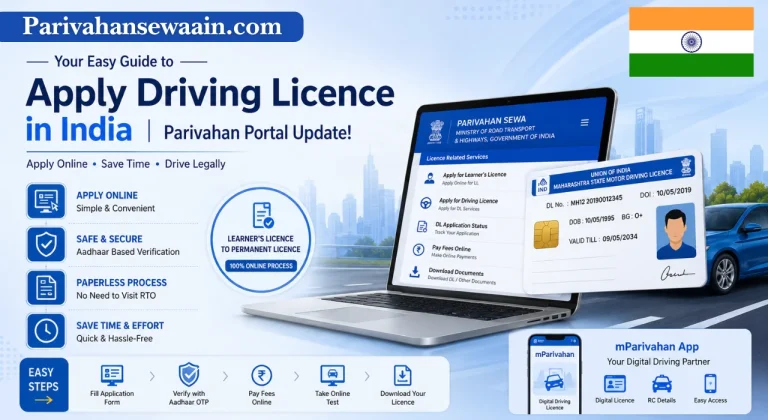
For official services, applicants can use the Transport Department portal and services available through Sarathi Parivahan.
Why Updating the Address on Your Driving Licence Is Important
Following are some key reasons to update your address:
An updated licence helps ensure that all future communications related to your driving records reach you without delay.
When Should You Apply for a Driving Licence Address Change?
A driving licence address update should be requested whenever the address printed on the licence no longer reflects your current residence.
Can You Change the Address on a Driving Licence Online?
Yes, in most states, applicants can request a driving licence address change online through the official transport services portal.
The online system allows users to:
However, some states may still require a visit to the RTO for verification depending on the application type and local rules.
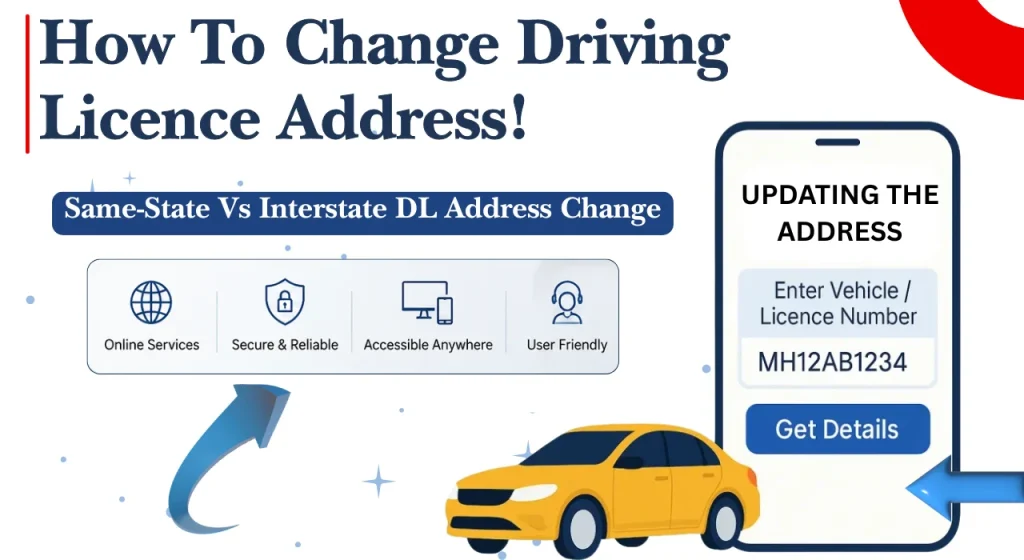
Same-State Vs Interstate DL Address Change
The process for changing an address can vary depending on whether the applicant remains within the same state or moves to a different state. Understanding the correct category helps applicants prepare the right documents before starting the process.
| Aspect | Address Change Within the Same State | Interstate Address Change |
| When Applicable | Moving to another city or district within the same state | Relocating to a different state |
| Process Complexity | Simple and straightforward | May involve additional verification |
| Documents Required | Address proof and licence details | Address proof, licence details, and NOC (if required) |
| NOC Requirement | Not required | May be required from the original RTO |
| Verification Level | Usually minimal | Often more extensive |
| Traffic Challan Check | Recommended | Strongly recommended before applying |
| Processing Time | Generally faster | May take longer due to record transfer |
| RTO Involvement | Same state transport authority | Original and new state transport authorities |
| Example | Pune to Mumbai (Maharashtra) | Karnataka to Maharashtra |
| Best Practice | Keep address proof ready | Obtain NOC (if applicable) and clear pending challans before applying |
Documents Required for Driving Licence Address Change
Having the correct documents is one of the most important parts of a successful application. Missing or incorrect documents are among the leading causes of delays and rejection.
Before starting your application, keep the following documents ready:
Driving Licence Address Change Fees
Before submitting an application, applicants should understand the fee structure applicable in their state.
Applicants should always verify the latest fee details on the official transport portal before making payment.
| Service | Typical Fee Requirement |
| Address Change Application | Applicable as per state rules |
| Smart Card DL Issue | May be charged separately |
| Interstate Record Transfer | Additional charges may apply |
| Duplicate Document Requests | Separate fee if required |
Is Address Change on a Driving Licence Free?
No, driving licence address updates are generally not free. Most states charge a prescribed fee for processing the application and updating records.
However, the exact amount can differ from one state to another. Some states may also charge additional fees for issuing a smart card licence or conducting verification procedures.
How to Change the Address on a Driving Licence Online
The online process has made driving licence services much easier for citizens. Most applicants can complete the majority of the procedure from home by using the official transport portal.
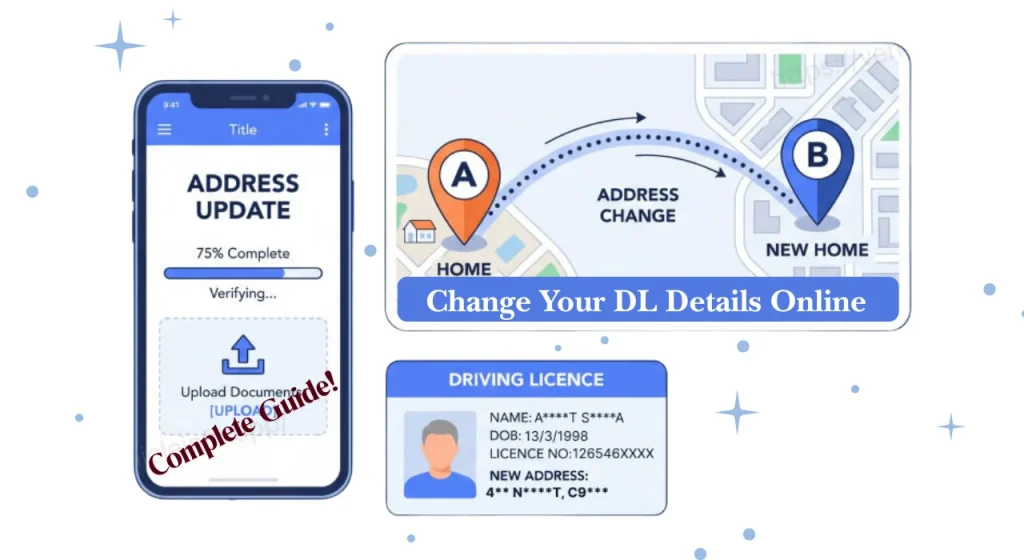
Below is a step-by-step explanation of the process.
Step 1: Visit the Official Portal
Start by visiting the official Parivahan transport services website: Parivahan Sewa Portal
Ensure that you are using the official government website and not a third-party portal.
Once on the website:
- Select your state
- Access driving licence services
- Read any state-specific instructions
Taking a few minutes to review the instructions can help avoid mistakes later.
Step 2: Select Driving Licence Related Services
After choosing your state, locate the driving licence services section.
Applicants should select the service category related to:
- Driving Licence Services
- DL Modification Services
- Address Change Service
The exact wording may vary slightly depending on the state portal.
Step 3: Enter Driving Licence Details
The system will ask for licence information to locate your records.
Common details required include:
- Driving licence number
- Date of birth
- Registered mobile number
- Verification information
Enter the information carefully because errors can delay the application process.
Step 4: Choose the Address Change Service
After verification, the portal will display available services linked to your licence.
Select:
Change of Address in Driving Licence
Carefully review the details shown on screen before proceeding.
Step 5: Enter the New Address
Provide your current residential address exactly as it appears on your address proof document.
Make sure to enter:
- House number
- Street name
- Locality
- City
- District
- State
- PIN code
Even small spelling mistakes can lead to verification issues.
Step 6: Upload Required Documents
The next stage involves uploading supporting documents.
Ensure that all files:
- Are clearly visible
- Match the required format
- Meet file size limits
- Show complete information
Step 7: Aadhaar Authentication (If Available)
Many states offer Aadhaar-based authentication.
This step helps:
- Verify applicant identity
- Reduce paperwork
- Speed up processing
Applicants may receive an OTP on their registered mobile number linked to Aadhaar.
Successful authentication often simplifies the verification process.
Step 8: Book a Slot (If Required)
Certain RTOs may require applicants to schedule an appointment for document verification or biometric capture.
If a slot booking option appears:
- Select the available date.
- Choose a convenient time.
- Confirm the booking.
- Save the appointment details.
Not all states require this step.
Step 9: Pay the Applicable Fee
Once the application details are complete, proceed to payment.
Most portals support:
- UPI
- Net banking
- Debit cards
- Credit cards
After payment:
- Save the receipt
- Download the acknowledgement
- Keep a copy for future reference
Step 10: Submit the Application
Before final submission, review every detail carefully.
Check:
- Licence number
- Address details
- Uploaded documents
- Payment confirmation
Once satisfied, submit the application.
The system will generate an application number which should be saved safely.
Step 11: Download or Print the Updated Driving Licence
After approval, applicants may receive:
- Digital confirmation
- Updated driving licence record
- Smart card delivery, depending on state procedures
Keep both digital and printed copies for future use.
Many citizens also perform a DL status check after submission to monitor the progress of their application until approval.
How to Change the Address on a Driving Licence Offline
Although online services are widely available, some applicants may prefer the traditional offline process.
The offline method involves visiting the relevant RTO and submitting the required documents in person.
Typical steps include:
- Visit the concerned RTO.
- Obtain the address change application form.
- Fill in the required details.
- Attach supporting documents.
- Submit address proof.
- Pay the applicable fee.
- Complete verification if required.
- Collect the acknowledgement receipt.
Applicants should carry original documents along with photocopies during the visit.
The RTO may conduct document verification before approving the request.
Is an RTO Visit Mandatory?
Many applicants want to know whether they must visit the RTO in person.
The answer depends on:
- State transport rules
- Type of application
- Aadhaar authentication availability
- Verification requirements
Some applications are processed entirely online, while others require physical verification.
Situations Where an RTO Visit Is Usually Not Required
In many cases, applicants can complete the process online without visiting the RTO.
Examples include:
- Same-state address changes
- Successful Aadhaar authentication
- Complete document submission
- No record discrepancies
These cases often qualify for digital processing.
Situations Where an RTO Visit May Be Required
Certain circumstances may require a personal visit.
Examples include:
Applicants should follow the instructions displayed on the official portal.
Processing Time for Driving Licence Address Change
Processing times vary depending on several factors.
These include:
Applications with complete documentation are generally processed more quickly.
How Long Does It Take to Update the Address on a Driving Licence?
Most address update requests are processed within a few days to a few weeks.
Typical timeline:
| Stage | Estimated Duration |
| Application Submission | Same Day |
| Document Verification | 1 to 7 Days |
| Approval Process | 3 to 15 Days |
| Smart Card Dispatch (If Applicable) | Additional Few Days |
These timelines are only indicative and may vary from state to state.
Applicants should monitor their application regularly through the official transport portal.
Track Application Status For DL Address Update
After submitting your application, it is important to track its progress. Status tracking helps applicants know whether the application has been approved, is under verification, or requires additional action.
Most state transport departments provide online tracking facilities through the official transport portal.
Tracking your application regularly can help you:
Steps to Check Application Status Online
Applicants can check the application status by following these simple steps:
Common status messages include:
| Status Message | Meaning |
| Submitted | Application received |
| Under Verification | Documents being checked |
| Pending Approval | Awaiting final decision |
| Approved | Address update completed |
| Rejected | Application not approved |
If additional documents are requested, applicants should upload or submit them promptly to avoid delays.
Common Reasons for Driving Licence Address Change Application Rejection
Many applications are rejected because of avoidable mistakes. Understanding the common reasons can help applicants submit a correct and complete application the first time.
Incorrect Address Proof
Address proof is the most important document for an address update request.
Applications may be rejected if:
Always ensure that the address proof is valid and up to date.
Blurred or Invalid Documents
Poor-quality document uploads are a frequent cause of rejection.
Before uploading, preview each file and confirm that all information is clearly visible.
Aadhaar Details Mismatch
Where Aadhaar authentication is used, mismatched information can create verification problems.
Applicants should ensure that Aadhaar information matches their transport records as closely as possible.
Unpaid Traffic Challans
Pending traffic violations can sometimes affect transport-related services.
Before applying:
- Check pending challans
- Clear outstanding fines
- Keep payment receipts
Incorrect Driving Licence Number
Even a small error in the licence number can result in application failure.
Applicants should:
- Double-check the number
- Verify state code details
- Match records exactly as printed on the licence
Taking a few extra minutes during submission can prevent unnecessary rejection.
Important Tips Before Applying for a Driving Licence Address Change
A little preparation can make the application process much smoother.
Following these practical tips can improve approval chances and reduce delays.
Problems & Their Solution
Failure to update your address can lead to:
Keeping licence details current helps avoid these complications and ensures smoother interactions with government services.
Does Changing the Address on a Driving Licence Also Update the RC Address?
No, updating the address on a driving licence does not automatically update the address on a Registration Certificate (RC).
These are separate records maintained within the transport system.
If you have changed your residence, you should update:
- Driving Licence Address
- Vehicle Registration Certificate Address
Failing to update the RC can result in inconsistent records.
Vehicle owners should submit a separate request for RC address correction where required.
Conclusion
Updating the address on your driving licence is a simple but important responsibility. Whether you have moved within the same city, shifted to another district, relocated to a different state, or need to correct an address error, keeping your licence information current helps maintain accurate government records.
The online process has made address updates much easier than before. By preparing the correct documents, checking state-specific requirements, and following the official procedure carefully, applicants can complete the process with minimal difficulty.
FAQs
Can I change the address on my driving licence completely online?
In many states, yes. Applicants can submit documents, pay fees, and track status online. However, some cases may still require physical verification at the RTO.
Is an NOC mandatory for interstate driving licence address change?
An NOC may be required when moving from one state to another. The requirement depends on state-specific transport regulations and the nature of the transfer.
What documents are required for a driving licence address change?
Generally, applicants need:
- Existing driving licence
- Address proof
- Photograph
- Signature upload
- NOC and relocation proof for some interstate cases
State authorities may request additional documents if necessary.
Can I use a rental agreement as address proof?
In many states, a properly registered rental agreement may be accepted as address proof. Applicants should confirm acceptance with their state’s transport department.
How long does the address update process take?
The processing period usually ranges from a few days to a few weeks, depending on verification requirements and state workload.
Can I check my address change application status online?
Yes. Most transport departments provide online status tracking through the official portal using the application number.
Will Your Driving Licence Number Change After an Address Update?
In most cases, the driving licence number remains unchanged after updating the address.
The transport authority updates only the residential address associated with the licence record.
Your licence number generally continues to remain:
- Valid
- Active
- Linked to the same driving history
However, if a state-specific administrative process requires record migration, the transport authority will provide appropriate guidance.
Do I need to update my Aadhaar address before changing my driving licence address?
It is not always mandatory, but having updated Aadhaar details can make verification easier, especially when Aadhaar authentication is used.